Contents
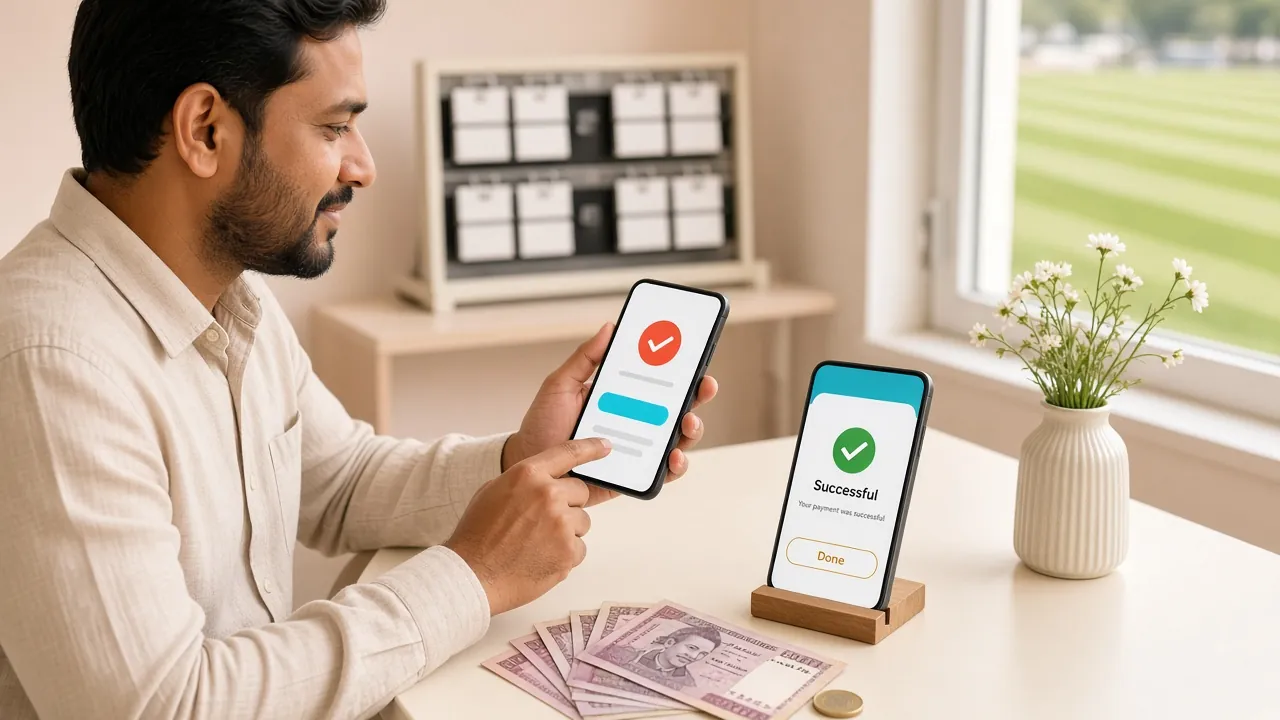
Payment Methods at a Glance
tg339 accepts four mobile banking methods that most Bangladesh players already have on their phone. All four support both deposit and withdrawal. The table below gives you the key numbers before you start.
| Method | Min. Deposit | Deposit Time | Withdrawal Time | Fees |
|---|---|---|---|---|
| bKash | ৳350 | ~6 minutes | ~18 minutes | Free |
| Nagad | ৳350 | ~6 minutes | ~18 minutes | Free |
| Rocket | ৳350 | ~6 minutes | ~18 minutes | Free |
| Upay | ৳350 | ~6 minutes | ~18 minutes | Free |
Deposits credit in about 6 minutes on average. If yours takes longer than 15 minutes, open Live Chat and share your transaction ID — the support team is available 24/7.
How to Make Your First Deposit on tg339
All four methods follow the same general flow inside tg339. You pick the method, receive a destination number, send from your wallet, and paste the transaction ID. Here are the five steps that apply to every method:
-
1
Log in to your tg339 accountOpen tg339 Login on your browser or the tg339 App. Use your registered mobile number and password. If you do not have an account yet, create one first — it takes under two minutes.
-
2
Open the Deposit pageTap the Deposit or Cashier button in the top menu or on your account dashboard. You will see all four payment methods listed.
-
3
Select your method and enter the amountChoose bKash, Nagad, Rocket, or Upay. Type the amount you want to deposit — minimum is ৳350. The page will show the exact tg339 merchant number to send to.
-
4
Send from your mobile walletOpen your bKash / Nagad / Rocket / Upay app, go to Send Money, and transfer the exact amount to the number shown on the tg339 deposit screen. Use your personal wallet PIN to confirm.
-
5
Submit your transaction IDCopy the TrxID from your wallet confirmation SMS or in-app receipt. Paste it into the tg339 deposit form and tap Submit. Your balance will update within about 6 minutes.
Important: Always enter the same amount in both the tg339 form and your wallet transfer. A mismatch is the most common reason for a delayed credit.
bKash — Detailed Steps
bKash is the most widely used method on tg339. Follow these steps exactly to avoid any delay.
Open your bKash app and tap Send Money.
Enter the tg339 merchant number exactly as shown on the deposit screen — do not retype from memory.
Enter the exact amount you typed in the tg339 form (minimum ৳350).
Add a reference if the app asks — you can leave it blank or write your tg339 username.
Enter your bKash PIN to confirm the transfer.
Note the TrxID from the success message (e.g., 8N7K3XXXXX). Paste it into the tg339 deposit form.
Tap Submit on tg339. Balance updates in about 6 minutes.
Use only your own registered bKash number. Sending from another person's bKash wallet may cause the deposit to be held for manual review.
Nagad — Detailed Steps
Nagad works almost the same as bKash. The TrxID format is slightly different — it starts with letters, not numbers.
Open the Nagad app and select Send Money.
Enter the merchant number displayed on the tg339 deposit page.
Type the deposit amount — ৳350 minimum.
Enter your Nagad PIN and confirm.
Find the Transaction ID in your Nagad app notification or SMS.
Return to tg339, paste the Transaction ID, and hit Submit.
Nagad sometimes shows a confirmation pop-up with a 4-digit OTP. Complete that step before closing the app — otherwise the transfer will not go through.
Rocket — Detailed Steps
Rocket (Dutch-Bangla Bank) requires you to use the USSD dial code or the Rocket app. Both routes give a TrxID you can submit to tg339.
Open the Rocket app (or dial *322# from your registered SIM).
Choose Send Money (option 1 in the USSD menu).
Enter the tg339 Rocket merchant number from the deposit screen.
Enter the amount (minimum ৳350) and confirm with your Rocket PIN.
You will receive an SMS confirmation. The TrxID is a string of digits — copy it in full.
Paste the TrxID into the tg339 deposit form and submit.
Upay — Detailed Steps
Upay is Pubali Bank's mobile wallet. It supports instant transfers to tg339 with the same 6-minute average credit time.
Open the Upay app and go to Send Money.
Enter the tg339 merchant number shown on the deposit screen.
Type the amount (minimum ৳350).
Confirm with your Upay PIN or fingerprint.
Copy the Transaction Reference from the in-app confirmation screen.
Submit it on the tg339 deposit form. Balance updates within 6 minutes.
Upay limits single transfers to ৳25,000 per transaction by default. If you need to deposit more, make multiple separate transactions — each with its own TrxID submission on tg339.
Why Deposits Fail — and How to Fix Them
Most deposit problems have a simple cause. The table below covers the situations players on tg339 run into most often, with the fix for each.
| Problem | Likely Cause | What to Do |
|---|---|---|
| Balance not updated after 15 minutes | Submission delay or TrxID not yet matched | Open Live Chat, share your TrxID and the exact amount. The support team will credit manually within minutes. |
| Wrong amount sent | Amount in wallet differs from tg339 form | Contact Live Chat with both amounts. Do not send a second transfer — wait for instructions first. |
| Sent to the wrong number | Merchant number changed or misread | Always copy the number directly from the tg339 deposit page. If already sent to a wrong number, contact your wallet provider immediately. |
| TrxID rejected by tg339 | TrxID already used or entered incorrectly | Check the ID character by character. Each TrxID can only be used once. If the ID is correct and still rejected, contact support. |
| Deposit below minimum | Amount less than ৳350 | The minimum deposit is ৳350. Send a new transfer at or above this amount. Contact support about the under-minimum transfer. |
| Account not verified | KYC documents not yet submitted | Complete your KYC before your first withdrawal. Deposits do not require KYC, but withdrawals do. See the Withdrawal & KYC Guide. |
Your First Deposit Bonus: What You Get
When you make your first deposit on tg339, you are eligible for the welcome bonus. Here are the exact terms so you know what to expect before you deposit.
Ready to make your first deposit?
Create your tg339 account in under 2 minutes, then deposit from ৳350 via bKash or Nagad.
- Minimum Deposit
- ৳350
- Avg. Credit Time
- 6 min
- Welcome Bonus
- 220%
- Total Games
- 5,800+
Common Deposit Questions
What is the minimum deposit on tg339?
How long does a tg339 deposit take to arrive?
Can I deposit without submitting a TrxID?
Is there a fee for depositing on tg339?
Can I use someone else's bKash to deposit?
What happens if I sent the wrong amount?
Do I need to verify my account (KYC) before depositing?
Can I deposit using the tg339 App?
Can I deposit multiple times in one day?
No account yet? Start with ৳350
Register on tg339, make your first deposit via bKash or Nagad, and claim the 220% welcome bonus up to ৳29,000.